Kotaku Wednesday, December 31, 2025 3:38 PM
This year, games that did traditional things very well and games that broke the mold completely rose to the top The post Carolyn Petit's Top 5 Games Of 2025 appeared first on Kotaku. |

Destructoid Wednesday, December 31, 2025 5:56 PM
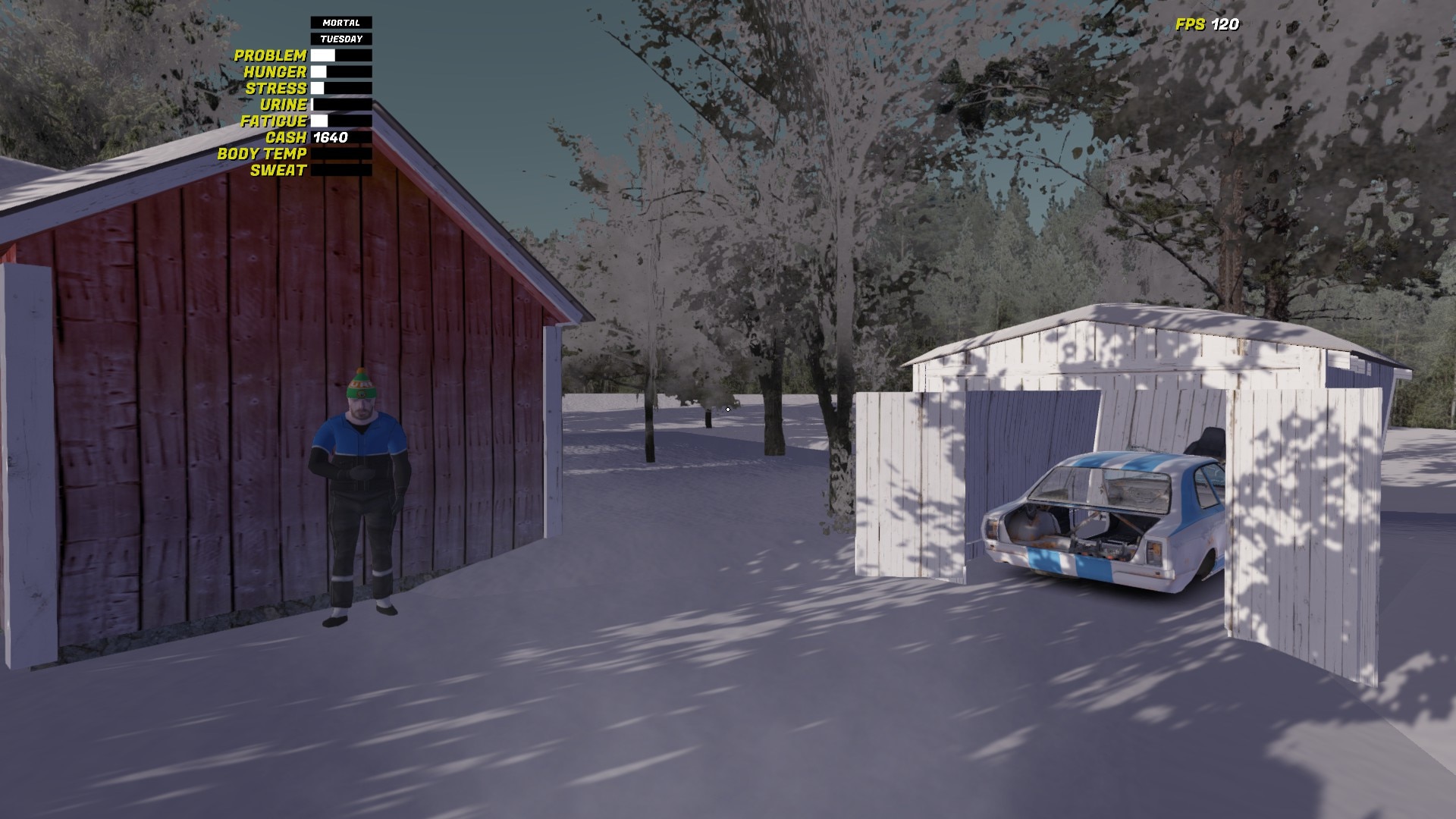
The credit card is an essential item in My Winter Car, and you'll need to use it regularly for various tasks.
All financial transactions in My Winter Car primarily happen via the digital medium. While there's cash, you'll need to withdraw it at the ATM with the credit card. This guide will tell you all you need to know when it comes to using the card. There's also an element of setting your PIN for using the card at an ATM.
Table of contents
What's your credit card PIN in My Winter Car
When you start playing the game, your credit card won't have a PIN. The first four-digit code you use will be your PIN for the remainder of the save. To do so, go to any ATM and use the credit card (you can try the one at the Gas Station).
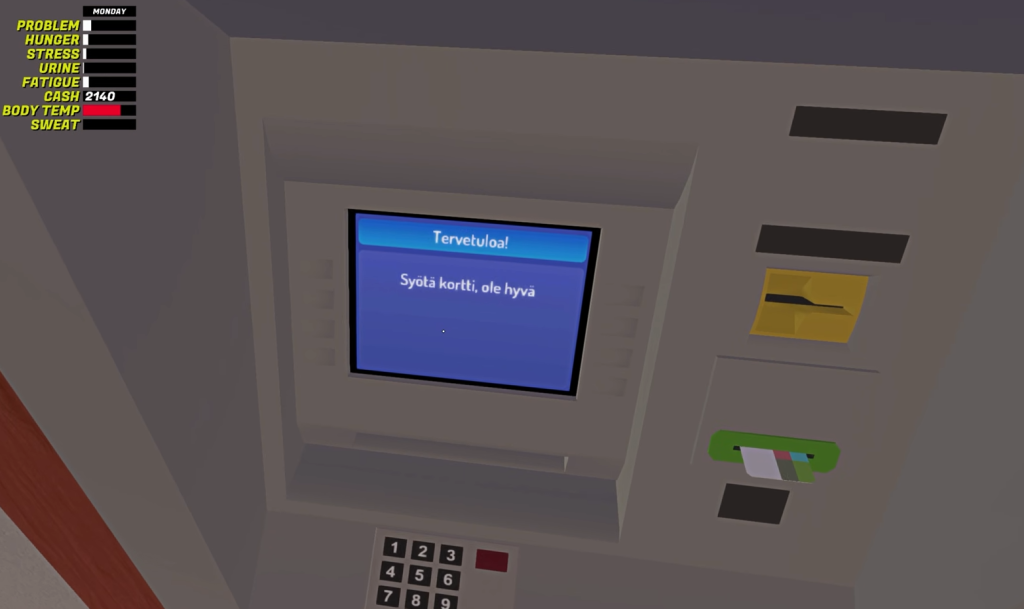
It's highly important for you to remember the PIN because you can't change it directly from within the game. If you forget the PIN, you won't be able to access your money. Thankfully, there's a workaround available in case you forget the PIN.
How to change the credit card PIN in My Winter Car
This part is slightly tricky, so follow the instructions as mentioned here.
How to use the credit card in My Winter Car
Once you find an ATM, complete the following steps.
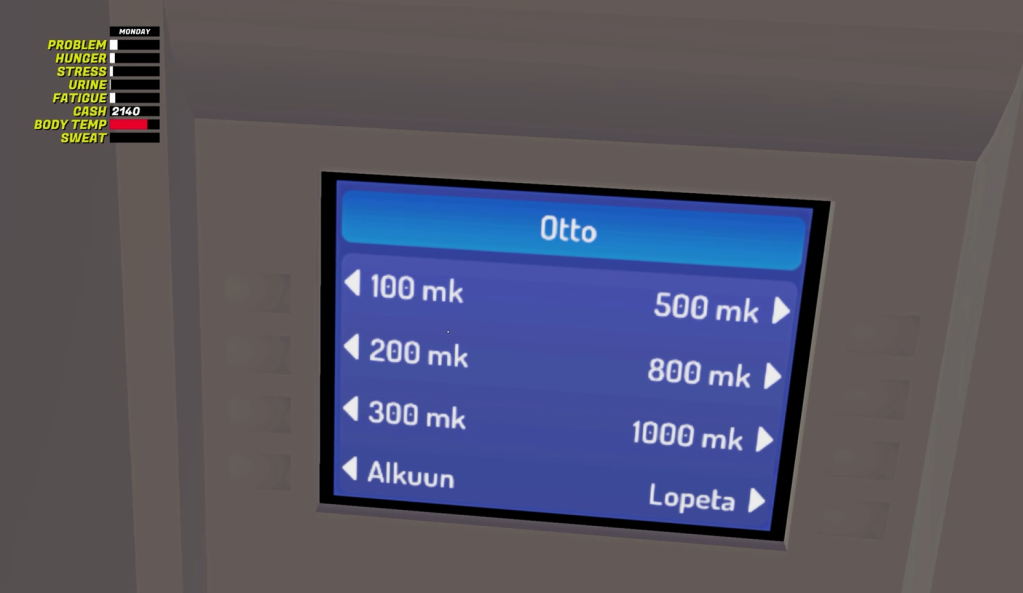
Once done, pick your credit card and the cash (this will automatically reflect on top of your screen, along with other player attributes).
The post How does the credit card work in My Winter Car and how to change the pin appeared first on Destructoid. |
Destructoid Wednesday, December 31, 2025 4:55 PM
The Firewood Cutter, aka the Lumber Conveyor, is an exceptional tool if you're looking to sell and cut Firewood in My Winter Car.
This item can't be used on its own, and you'll need to use the tractor to do so. However, the job is easier said than done, and this guide will help you become a woodcutter in a few simple steps.
Table of contents
How to use the Lumber Conveyor in My Winter Car
The first task is to connect the Cutter to the Kekmet. It's impossible to move the Lumber Conveyor from its stationary position without attaching it to your tractor. Hence, drive the tractor carefully and place it very close to the Conveyor. Keep the distance as minimal as possible, or else the alignment will be loose, and logs will fall.
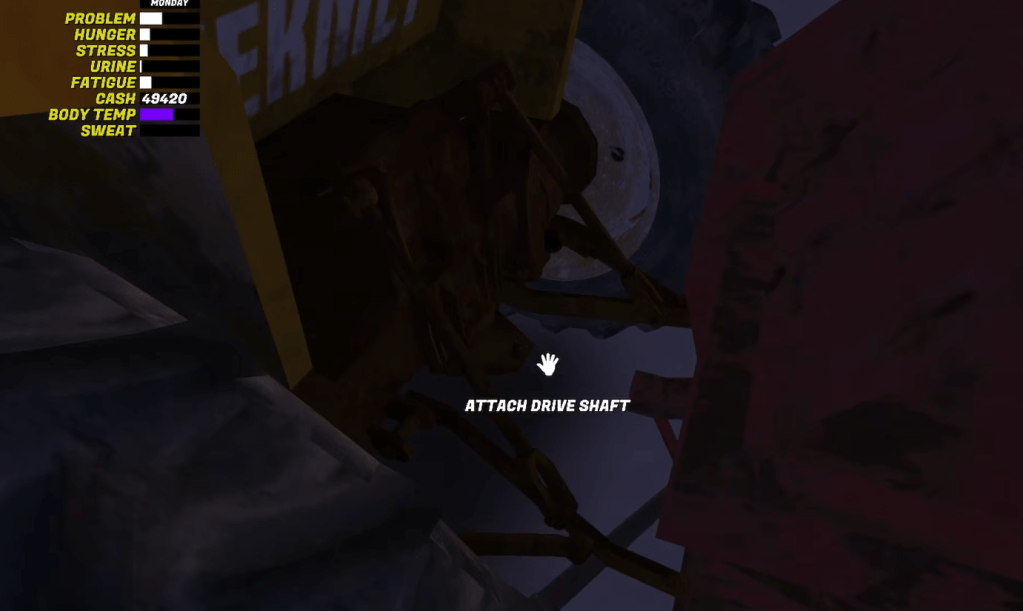
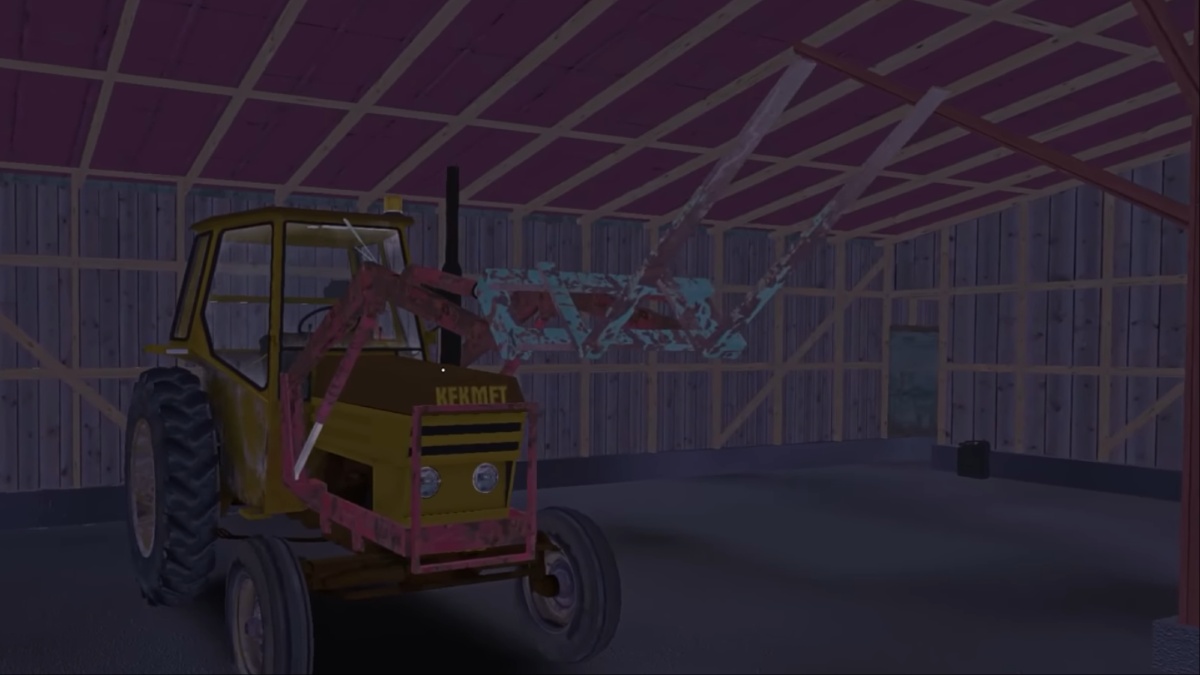
You'll find the rear hitch lever on the right side of the Kekmet. Use it to lower the attachment arms from the rear of the tractor. Get down, and click the connection point on the cutter (once the attachment arms have been lowered). If aligned properly, the cutter will connect with the Kekmet.
Next, use the PTO lever located to the left of the steering wheel of the Kekmet. Activate it to start the sdrive shaft and the Conveyor. If you want the cutter to work fast, go for a higher RPM. However, that will be less conducive to a longer cutting session.
How to cut the Firewood in My Winter Car
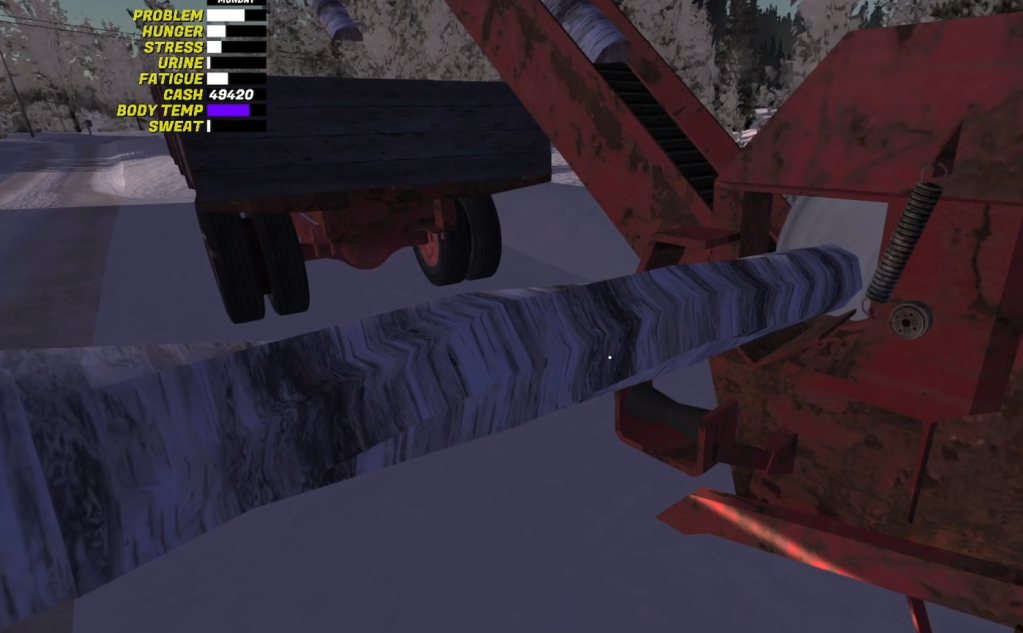
Once you have completed all the steps mentioned earlier in the guide, take a log from the wood pile. Then, place it in the cutter slot. The log will automatically split the logs into pieces based on how high the RPM is. The Conveyor will automatically place the Firewood in the trailer (don't forget to attach it).
The post How to use the Firewood Cutter in My Winter Car appeared first on Destructoid. |
Destructoid Wednesday, December 31, 2025 2:06 PM
The 1 of 3 86+ US/Primetime/Pro Live/Thunderstruck SBC is now live in FC 26 Ultimate Team, and you can get yourself a guaranteed promo card.
This is the latest version of the party bag SBC. For the first time, we can pick between different options. Let's look at all the cards that are available in the pool of rewards before you invest your resources.
Table of contents
Complete list of 1 of 3 86+ US/Primetime/Pro Live/Thunderstruck SBC rewards in FC 26
The list of rewards features the following promos: Ultimate Scream, UEFA Primetime, Pro Live, and Thunderstruck.
Ultimate Scream
Primetime
Pro Live
Thunderstruck
The post All 1 of 3 86+ US/Primetime/Pro Live/Thunderstruck SBC rewards and tasks appeared first on Destructoid. |
Destructoid Wednesday, December 31, 2025 2:00 PM
It's that time of year again, folks; that time where we check back in on our 12-month-old New Year's resolutions and inevitably decide whether we're total failures or beacons of success.
This was the year I was finally going to show more dedication and discipline by completing more games than I left unfinished. I played a ton of games in 2025, including everything from longer RPGs like Avowed, Jedi: Fallen Order, and Clair Obscur: Expedition 33, to smaller indies like Aethermancer, Town to City, and Death Howl.
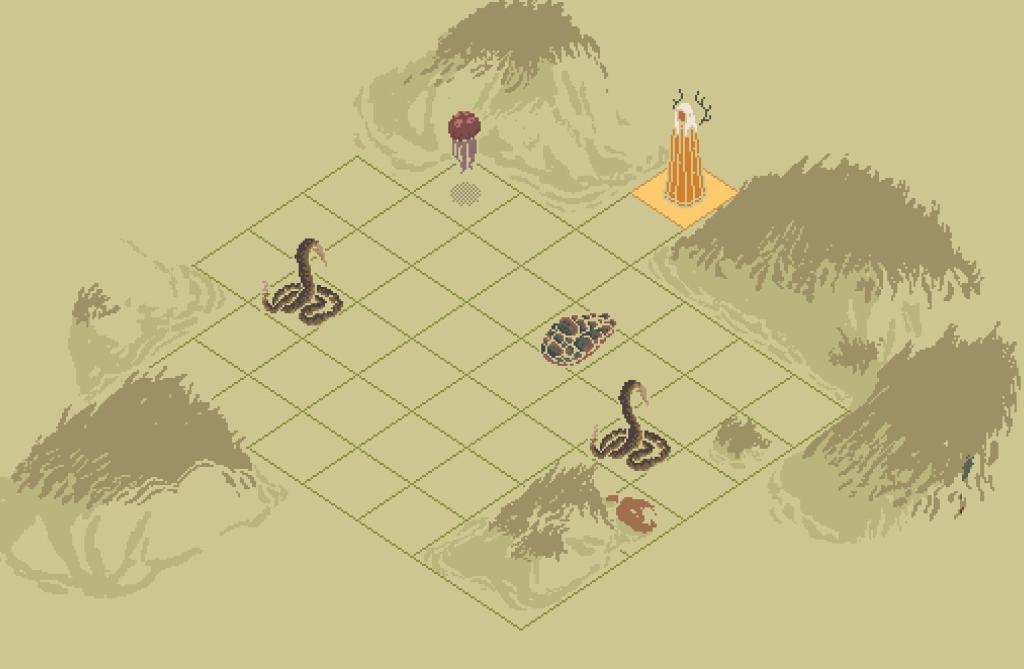
Though my list is long—what I'd consider a commendable feat for any self-proclaimed game connoisseur—I have had for years what I've felt is a dirty secret: very rarely do I finish a game. And in 2025, I barely finished two. It would've been a devastating hit to my resolve at the beginning of the year. But now, as I stare down 2026, I've not only come to terms with this defeat, I've redefined it as my own form of victory.
Now, ironically, roguelikes are the exception to my years-long struggle. And I say "ironically," because, of course, you don't actually "finish" most roguelikes—that's sort of their thing. But I tend to do everything I can in them: defeating secret "final" bosses, unlocking all the cards or collectibles, or completing every achievement I can. Maybe it's the fact that with roguelikes, you can step away for extended periods of time without having to keep up with a story or track the side quest you wanted to complete before progressing the main narrative. Whatever the reason, the genre has become a safe haven for me, offering me the chance to play at my own pace and on my own terms.
But RPGs or any other narrative-focused title are another story. Over the years, I've roamed the hilly countryside of Red Dead Redemption 2, visited distant galaxies in Starfield, and fought to save feudal Japan from Mongol invaders in Ghost of Tsushima—all games I've said I'd one day finish only to add them to the list of games I never will. There's more on that list, too—a lot more, actually—but I'll save us both the trouble of naming them off. What's most disappointing about that list isn't the number of games on it, though; it's that I quite enjoyed a good chunk of them.
I wholeheartedly adored the fantastical world of Clair Obscur and its delicious world-building and character design. But did I finish it? Nope! I cut my playthrough short to review Octopath Traveler 0. Admittedly, my reasons were work-related, and I was a bit disgruntled at having to be pulled away from the eventual GOTY. But now, after over a month and a half away from the game, the notion of picking it back up feels daunting. I don't remember where I left off or what areas of the map I had planned to return to before further progressing the story, and the process of finding out feels like work. It won't stop me from trying, though, and that's exactly what I plan to do in my upcoming staycation, so wish me luck.
What I'm not going to do, though, is stress if I inevitably fail. It's a game. It's meant to be enjoyed. If I'm not enjoying it for whatever reason, whether I don't like the narrative's direction or if keeping up with a 70-hour title is too much for my schedule, it's time for me to move on.
In years past, I'd try to force myself to keep playing. As I mentioned earlier, my gaming New Year's resolution in 2025 was to see more games through to the end. It was the same thing for books, as it is every year. But inevitably, life happens, and my busy schedule pulls me away. And after a year of trials and tribulations—involving a burglary, multiple health scares, a series of unfortunate home ownership woes, and a car wreck (yeah, 2025 was rough)—I've learned life is too short to spend my free time on activities that don't bring me joy.
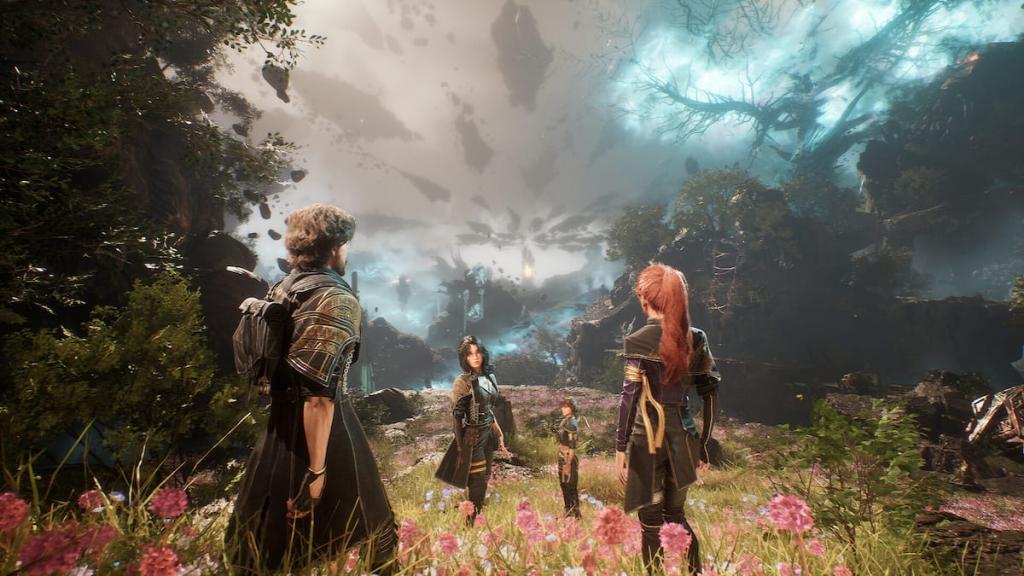
At the end of this disaster of a year, I've realized finishing games was never the point; it was just the measuring stick I had used to track what I believed to be success. This may be a revelation some of you reached long ago, but the feeling of finally letting go is freeing.
Even though I never finished Avowed, I spent a solid 40 enjoyable hours in the world of Eora running around with the unflappable Kai and grumpy old Marius. My time in Jedi: Fallen Order gave me new insight into the Star Wars franchise, so I can better understand my George Lucas-obsessed friends. I burned nearly two whole days of play time on Clair Obscur, but I don't think I need to detail the benefit of experiencing a record-breaking, award-winning title as a games journalist—even if I still haven't unraveled the Paintress's secret.
There's so much joy to be had from simply playing a game without pressuring yourself to see it through to the end. I won't set a resolution in 2026 for that very reason, and with just how many games are coming out in the upcoming year, it'd be stupid to try. So yeah, I'm going to keep bouncing between games at my own pace and chasing the joy where I find it. And if it fades, I'll move on without guilt. Because if there's one thing 2025 taught me, it's that playing games should feel like freedom, not another obligation on an already overwhelming to-do list.
The post I bounced from more games than I completed in 2025, but I'm finally ready to say that's okay appeared first on Destructoid. |
Destructoid Wednesday, December 31, 2025 1:27 PM
The map in My Winter Cap is relatively straightforward, but there are multiple points that you'll need to visit.
The POIs have different purposes. Some of them provide you with different resources, while other places will have jobs for you to participate in. This guide will pinpoint all important locations that can be found on the map.
All My Winter Cap map locations
Here's the complete map of My Winter Map, followed by what all the locations mean.

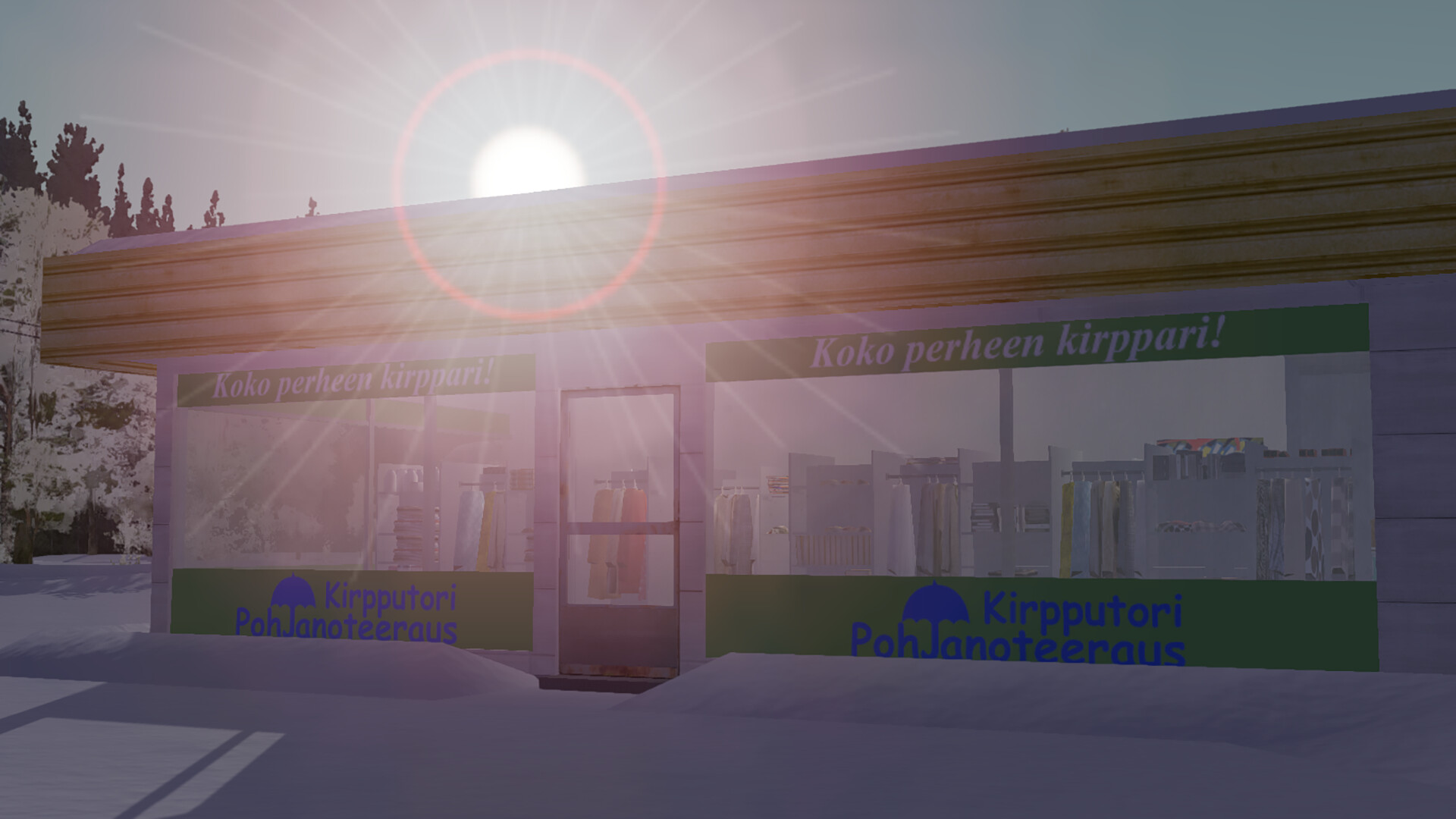
You'll be spending a lot of time at your House, which will be your base of operations. The location has Pub Nappo, the Flea Market, and the Gas Station nearby. These three locations will provide you with all the necessary survival items, job opportunities, and more.
Most of the important POIs are huddled around your starting House. However, you'll need to travel to the western half to find Fleetari's Garage, which has plenty of valuable resources to purchase. Locations marked CR and KM feature the Corris Rivett and Kekmet, respectively. The former is the main project car in My Winter Car, while the latter is a tractor that has plenty of uses.
The map you see in this guide is the main one, but there's a smaller map that can be found inside the taxi. If you pick up the job that requires you to drive around town with passengers, you can drive the taxi. The smaller map you find in the taxi is a snapshot of the larger map (that you can see above).
I am expecting more POIs to be added in the future as part of updates. There are additional buildings around the town. However, you can't interact with them or enter them. However, they're there for a reason, so be on the lookout for how the map shifts in the next few months.
The post Complete My Winter Car map with all locations appeared first on Destructoid. |
Destructoid Wednesday, December 31, 2025 1:27 PM
The New Year's Kick Off Challenge SBC is now live in FC 26, and you can complete it in Ultimate Team to win a free pack.
The objective is to use lower-rated cards from your Ultimate Team inventory. The pack you get in return could even include a walkout/promo card if you're lucky. This guide will help you complete the challenge before it gets removed from Ultimate Team.
Table of contents
FC 26 New Year's Kick Off Challenge SBC task
The New Year's Kick Off Challenge SBC has just one task, and here are its requirements.
New Year's Kick Off Challenge SBC
The requirements are relatively relaxed compared to some of the recent fodder challenges. The main difficulty will be around the 26 chemistry requirement, as you'll need to have cards from different nationalities and clubs.
FC 26 New Year's Kick Off Challenge SBC solutions
If you get stuck while trying to complete the challenge, you can use the following solution.
Completing the fodder challenge will get you a tradeable Rare Electrum Players Pack. This pack includes six Silver and six Gold player items. All 12 items are Rare, with one guaranteed to be rated 82 or higher. The pack is pretty impressive considering the low completion cost of the challenge.
The post FC 26 New Year's Kick Off Challenge SBC tasks and solutions appeared first on Destructoid. |
Destructoid Wednesday, December 31, 2025 1:10 PM
After several incredible releases, big-name titles, and surprise hits, 2025 in gaming is rapidly coming to an end. It's time to look forward.
Below, we've gathered just some of the games we're looking forward to playing in 2026. Make sure to let us know what you want to play, which games you're curious about, and which ones you'll pre-order the moment it's possible.
And you know what the best part is? These are just scratching the surface. There's a whole calendar of 2026 titles to look forward to, plus plenty more surprises that will drop and take the gaming world by storm.
Table of contents
Most anticipated 2026 video games
Grand Theft Auto 6
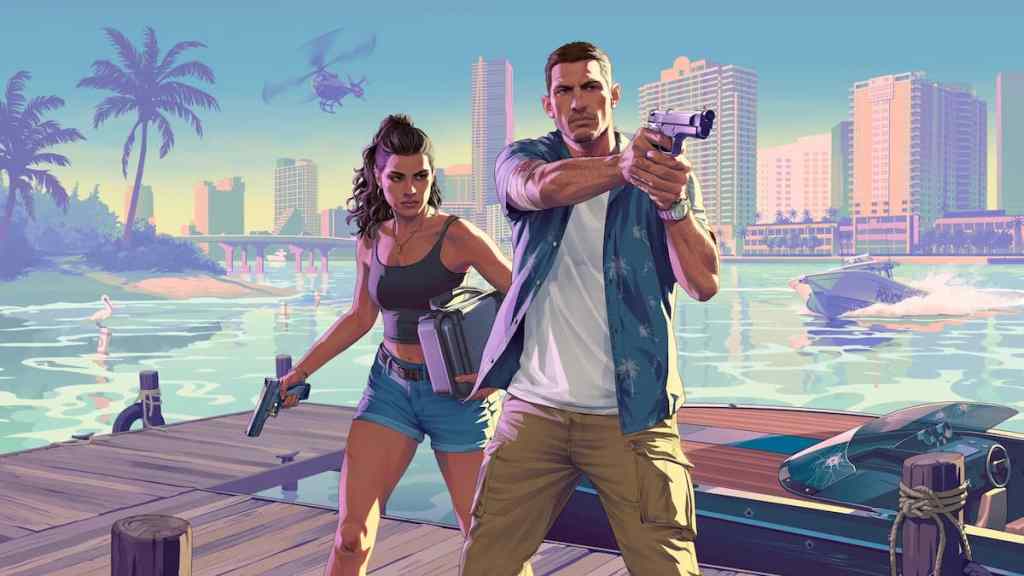
It starts and ends with GTA 6 in 2026. It's currently slated to finally launch on Nov. 19, and is not just the most anticipated game of 2026, but probably of all time. It's got impossible expectations, and its pricetag will be a point of discussion up until it's finally out (will they actually charge $100 for it?), but everyone in the industry and world is waiting for this one to drop.
Resident Evil Requiem
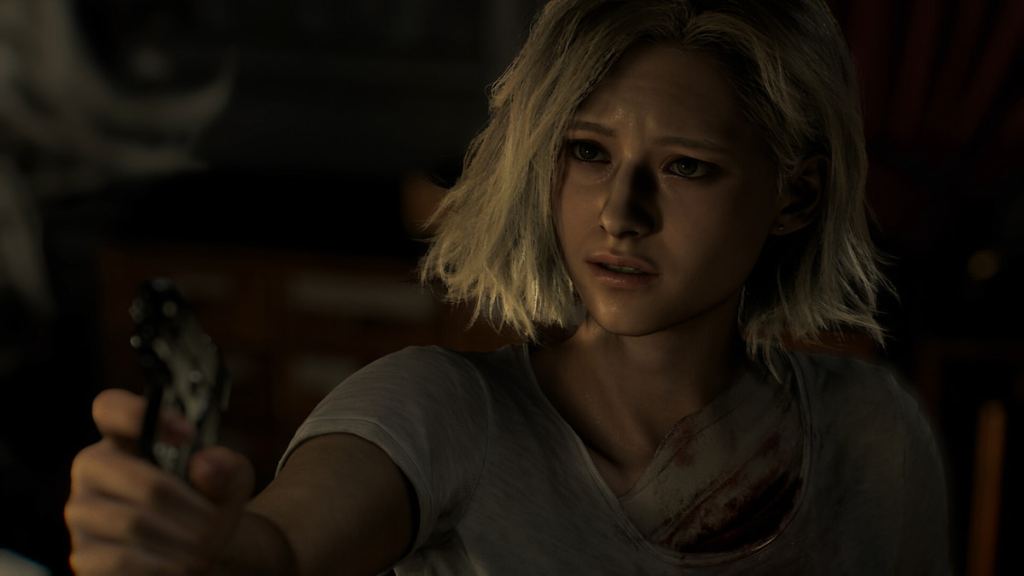
First-person? Check. Survival horror? Check. Third-person? That too. Action gameplay? You got it!
Leon S. Kennedy and newcomer Grace Ashcroft take the stage in what's being described as the end of an era in the Resident Evil franchise for its 30th anniversary. Whatever comes next will be different, but for now, RE9 is looking and sounding like the best of both distinct identities the series has had.
Marvel's Wolverine
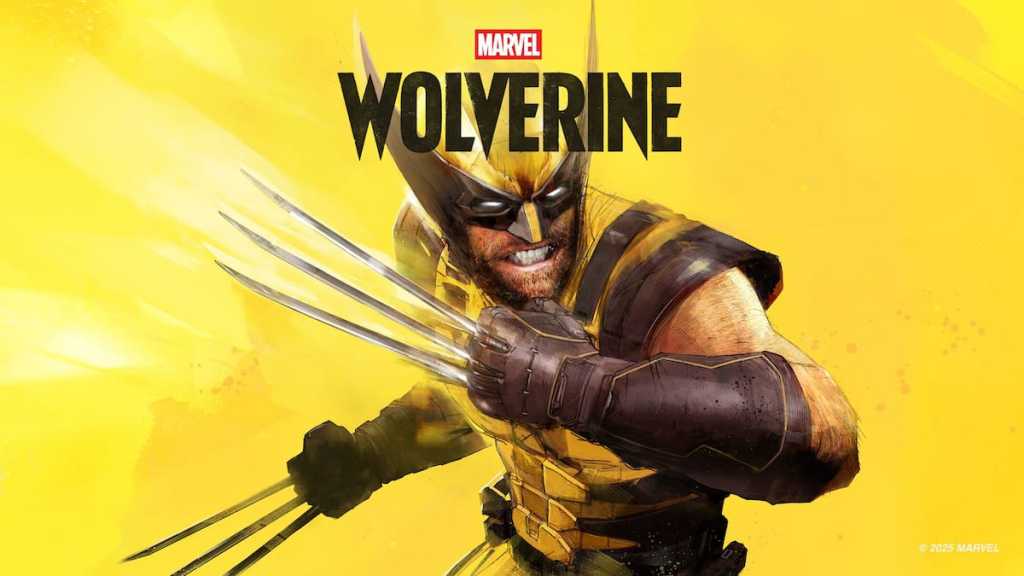
Get ready, bub, because Insomniac Games' follow-up to its Spider-Man games is finally coming in the fall of 2026. The action-adventure game promises lots of rage, even more blood, and a whole lot of mutants and X-Men cameos.
Lego Batman: Legacy of the Dark Knight

Imagine a LEGO Batman game that's based on several different movies and appearances of the character (like The Dark Knight and more), but with the open-world, action combat gameplay of the Batman Arkham games. We can't wait to visit LEGO Gotham in this one.
The Duskbloods
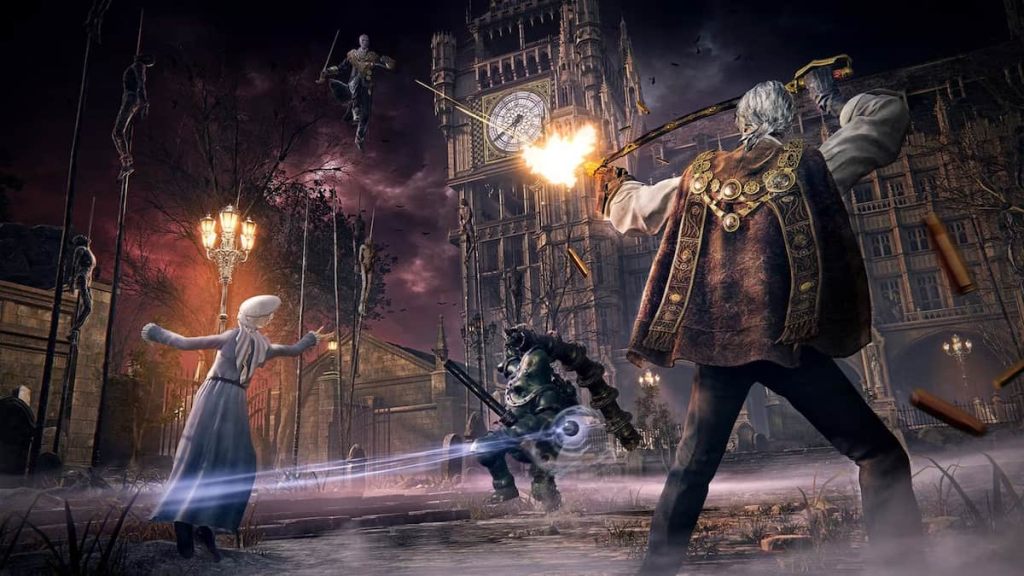
From Software's next title is a Switch 2 exclusive that features both PvP and PvE in multiplayer fashion. It's still unknown what this game truly is all about, but Elden Ring: Nightreign has shown that the Dark Souls maker is venturing into full-fledged multiplayer a bit more.
Tomb Raider: Legacy of Atlantis
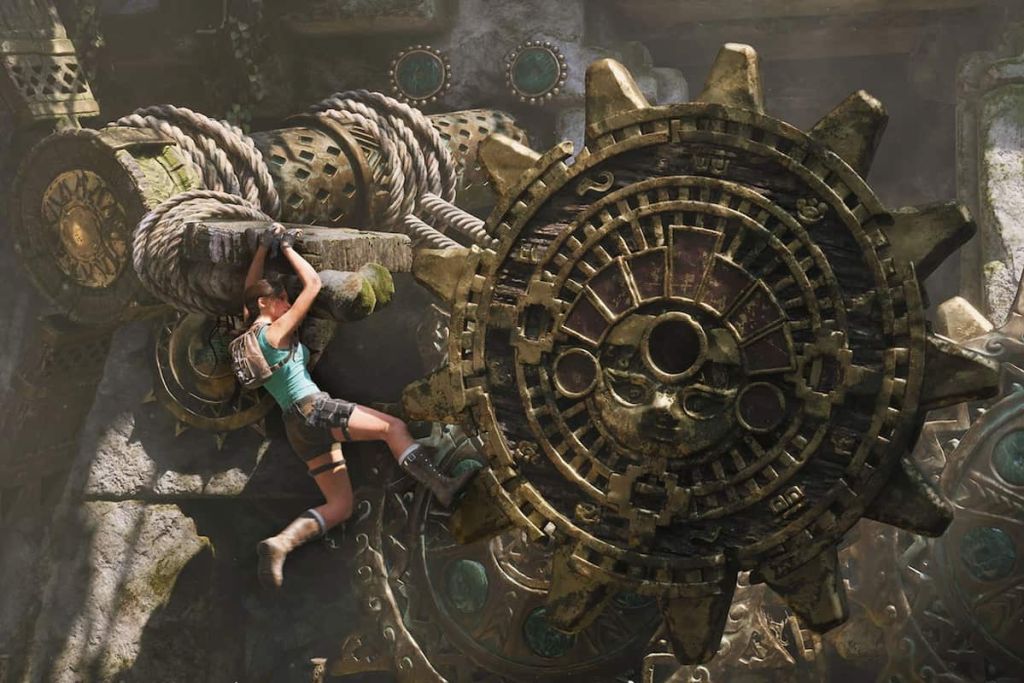
Lara Croft is officially back in 2026, with a "reimagining" of her original 1996 PS1 classic. Crystal Dynamics promises some surprises in this remake-that's-not-a-remake, so franchise fans everywhere will be booting this one up with excitement and curiosity.
Marathon
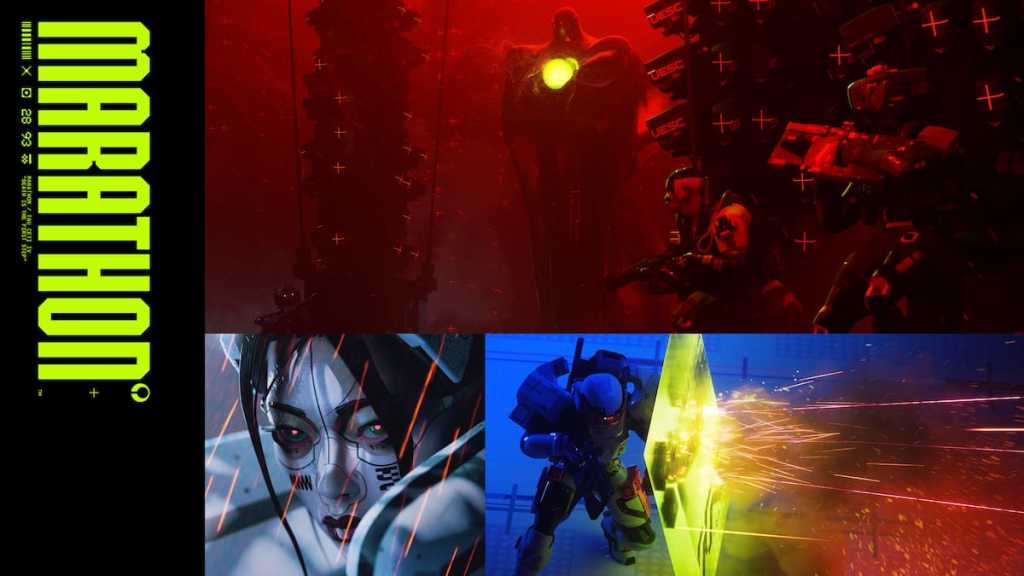
This one may turn some heads, but I'm looking forward to seeing what Marathon accomplishes as a new extraction shooter when it drops in March. Will the game be good? Will it matter, after months of bad PR? Will ARC Raiders' popularity have a negative or positive effect?
After months of feedback and testing, once the game was delayed, it's looking and sounding like a better title than what players experienced in last year's closed alpha. It remains to be seen just how the game will feel on day one.
The post Destructoid's most anticipated games for 2026 appeared first on Destructoid. |
WGB Wednesday, December 31, 2025 5:34 PM In January 2026, PlayStation Plus Essential offers three games: Need For Speed: Unbound, Disney Epic Mickey: Rebrushed, and Core Keeper. This month features unexpected PS4 inclusion amidst the subscription changes. |
Gaming Instincts – Next-Generation of Video Game Journalism Wednesday, December 31, 2025 4:12 PM A second PEGI rating. The post Splatoon 3 Gets PEGI Rating For Switch 2 appeared first on Gaming Instincts - Next-Generation of Video Game Journalism. |
Gaming Instincts – Next-Generation of Video Game Journalism Wednesday, December 31, 2025 3:53 PM Includes three games. The post PlayStation Plus Monthly Games Lineup For January 2026 Announced appeared first on Gaming Instincts - Next-Generation of Video Game Journalism. |
Gaming Instincts – Next-Generation of Video Game Journalism Wednesday, December 31, 2025 3:36 PM Announced on social media. The post Persona Series 30th Anniversary Website Launched With a Teaser appeared first on Gaming Instincts - Next-Generation of Video Game Journalism. |
Gaming Instincts – Next-Generation of Video Game Journalism Wednesday, December 31, 2025 3:07 PM According to a recent report. The post NVIDIA Rumored To Increase RTX 5090 Price to $5000 Next Year appeared first on Gaming Instincts - Next-Generation of Video Game Journalism. |