Twinfinite Wednesday, December 31, 2025 2:43 AM  |
Twinfinite Wednesday, December 31, 2025 1:36 AM  |
Twinfinite Wednesday, December 31, 2025 1:29 AM  |
Twinfinite Wednesday, December 31, 2025 1:28 AM  |
Twinfinite Wednesday, December 31, 2025 1:25 AM  |
Twinfinite Wednesday, December 31, 2025 1:19 AM  |
Destructoid Wednesday, December 31, 2025 3:54 AM
The phone is perhaps the single most important item to use in My Winter Car, and it will help you expand your snowy adventures.
When you wake up at your apartment for the first time, you're likely to miss spotting the telephone at all. This guide will lay down all the steps required for you first to find the telephone and then use it properly to get different jobs.
How to find the phone in My Winter Car
The phone is relatively easy to find, but it's also possible for you to miss it. You can find it in the starting apartment, next to the front door. The phone is placed on the chair, and you can use it from there. When you find it for the first time, the phone won't have much use.

How to use the phone in My Winter Car
First, interact with the phone to activate it if you want to make a call.
If you have inserted a number correctly, it will connect automatically. An NPC will pick up, which will be followed by a conversation. You can also disconnect the call, but it's advisable to wait for the NPC to do so. Ending a call prematurely might prevent an objective from working normally.
If you don't use the numpad, the phone won't work. You'll hear a beeping sound coming from the phone. Put down the phone, and interact with it again to enter the number. Once done, the call will automatically connect with the applicable NPC.
You'll need the phone for doing almost anything inside the game, like finding your project car or getting jobs like driving a taxi.
The post How to use the phone in My Winter Car appeared first on Destructoid. |
Destructoid Wednesday, December 31, 2025 2:47 AM
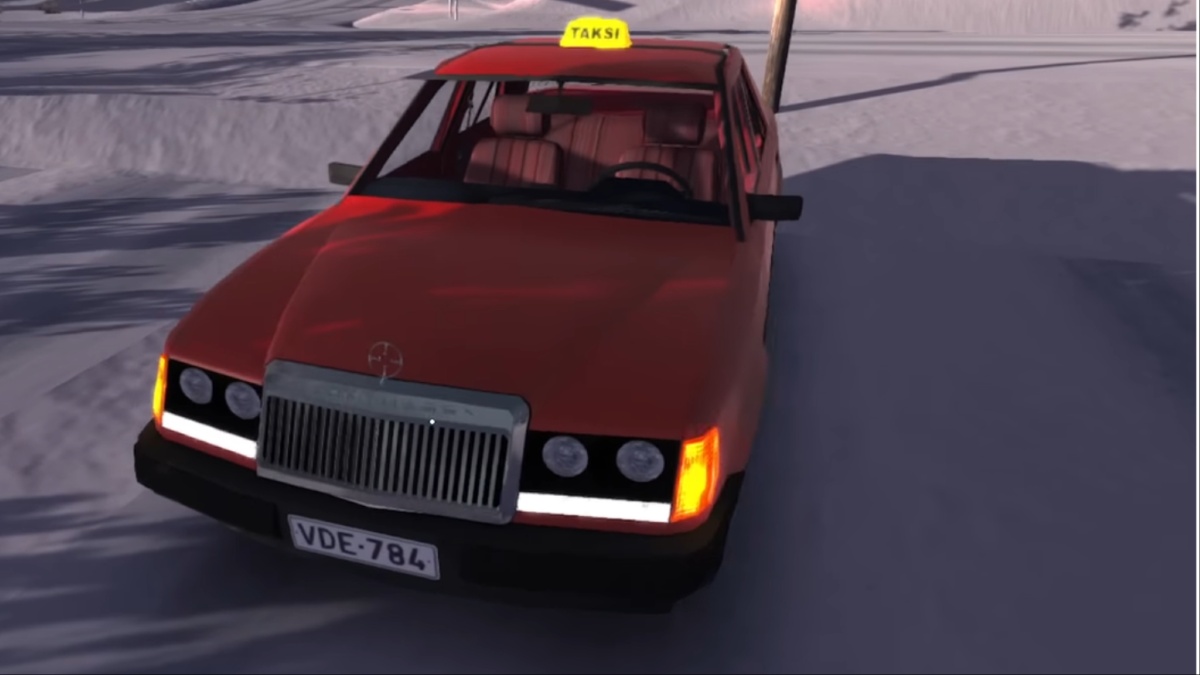
The Taxi job is one of several activities that you can complete in My Winter Car, and doing so will allow you to unlock an extra vehicle.
The first task is to reach the point where you activate the job. This has to be done before you can obviously get the taxi in hand. This guide will provide all the crucial information you'll need to complete the job.
Table of contents
How to start the Taxi job in My Winter Car
The first task is to find the Taxi job poster. To do so, you'll need to reach the gas station. There's a restaurant area in the gas station where you'll find a job board. The Taxi job will be mentioned over there, along with a phone number on the poster.
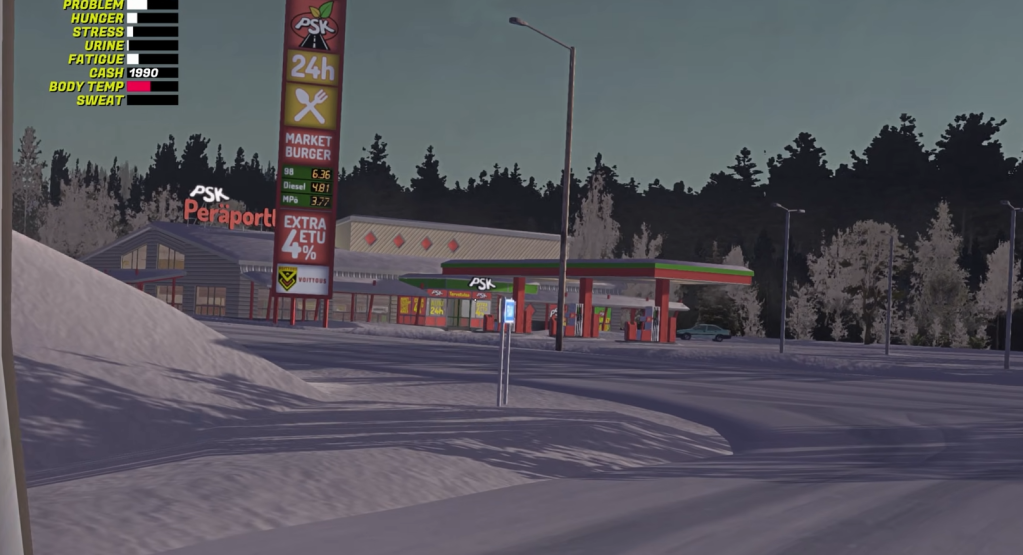
Once you're inside the taxi, flip down the sun visor. You'll find the taxi map over there, which will make it easier for you to navigate.
How to complete the Taxi job in My Winter Car
The Taxi job effectively requires you to pick up and drop off customers at specific locations. To do so, you must configure the meter first. Put the selector knob to the minus symbol and then press the red button to turn on the meter.
Once you find the first customer, turn off the red button. The customer will give you a destination (which will be viewable on the taxi map). Drive to the destination. The longer you drive, the more money you'll earn.
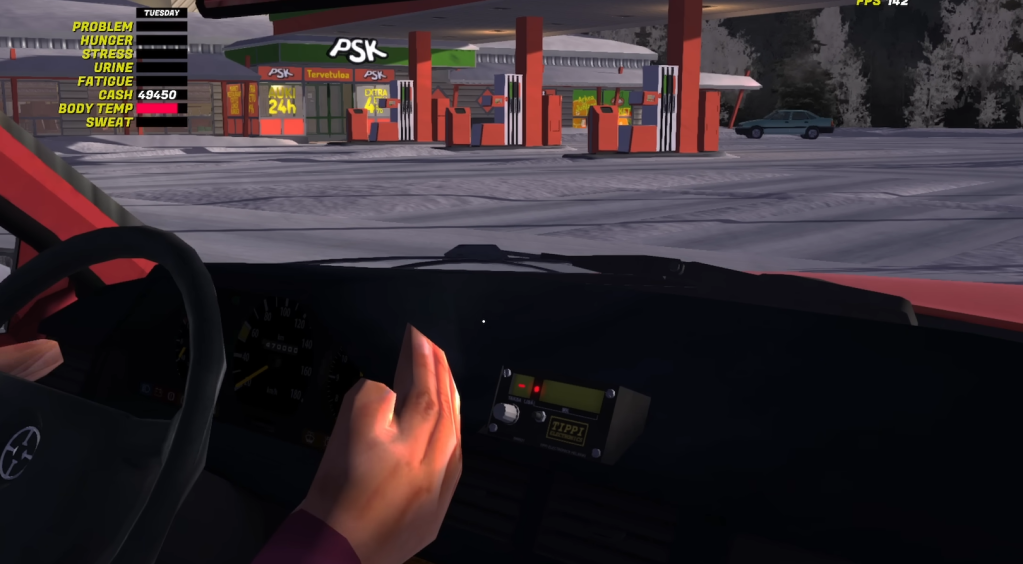
After reaching the destination, stop the taxi meter. You'll find a displayed amount, which you must transfer from a payment terminal. Print the receipt, and make sure that the amount was correct. If you make an error at this step, you'll lose money from your own account.
There are a few additional modes on the taxi meter that you must understand.
For maximum earnings, you'll want to use the correct mode. There are eight customers to pick up and drive around, and you can make plenty of money in the process. If you're looking for a simpler job, you can deliver advertorials all over the town.
The post How to complete the Taxi job in My Winter Car (Unlock Taxi guide) appeared first on Destructoid. |
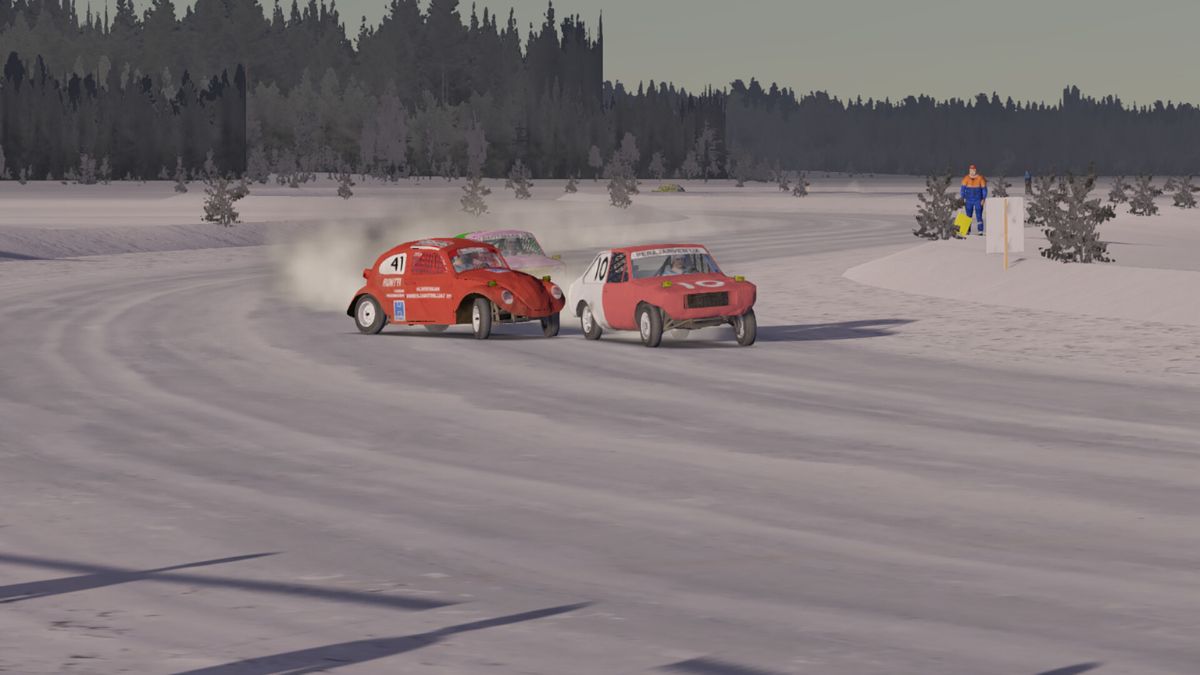
iDev Games Feed Tuesday, December 30, 2025 9:47 PM Disclaimer This is a satirical comedy game. All characters and events are fictional. Do not attempt any activities depicted. Fire is dangerous.... |