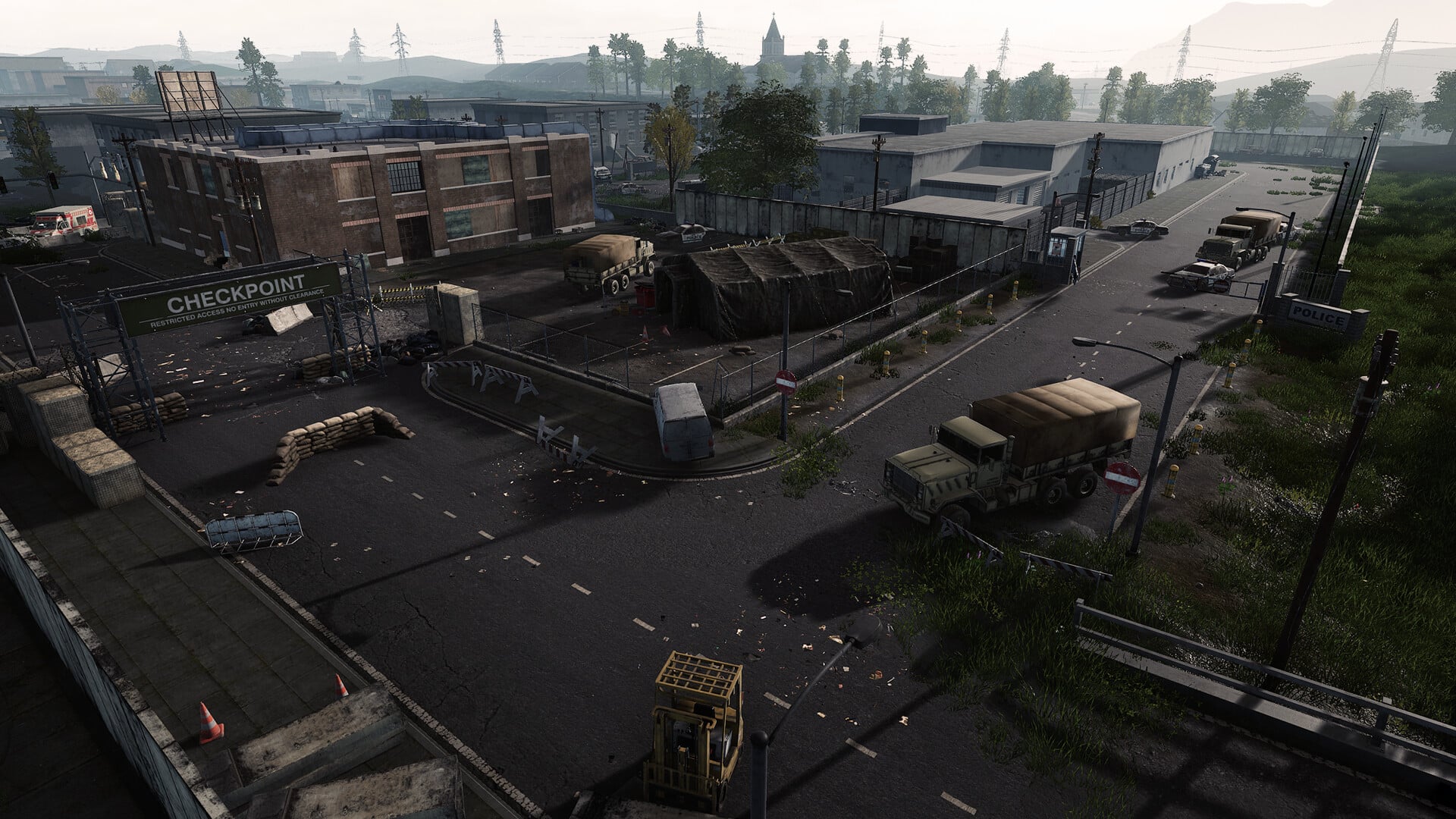
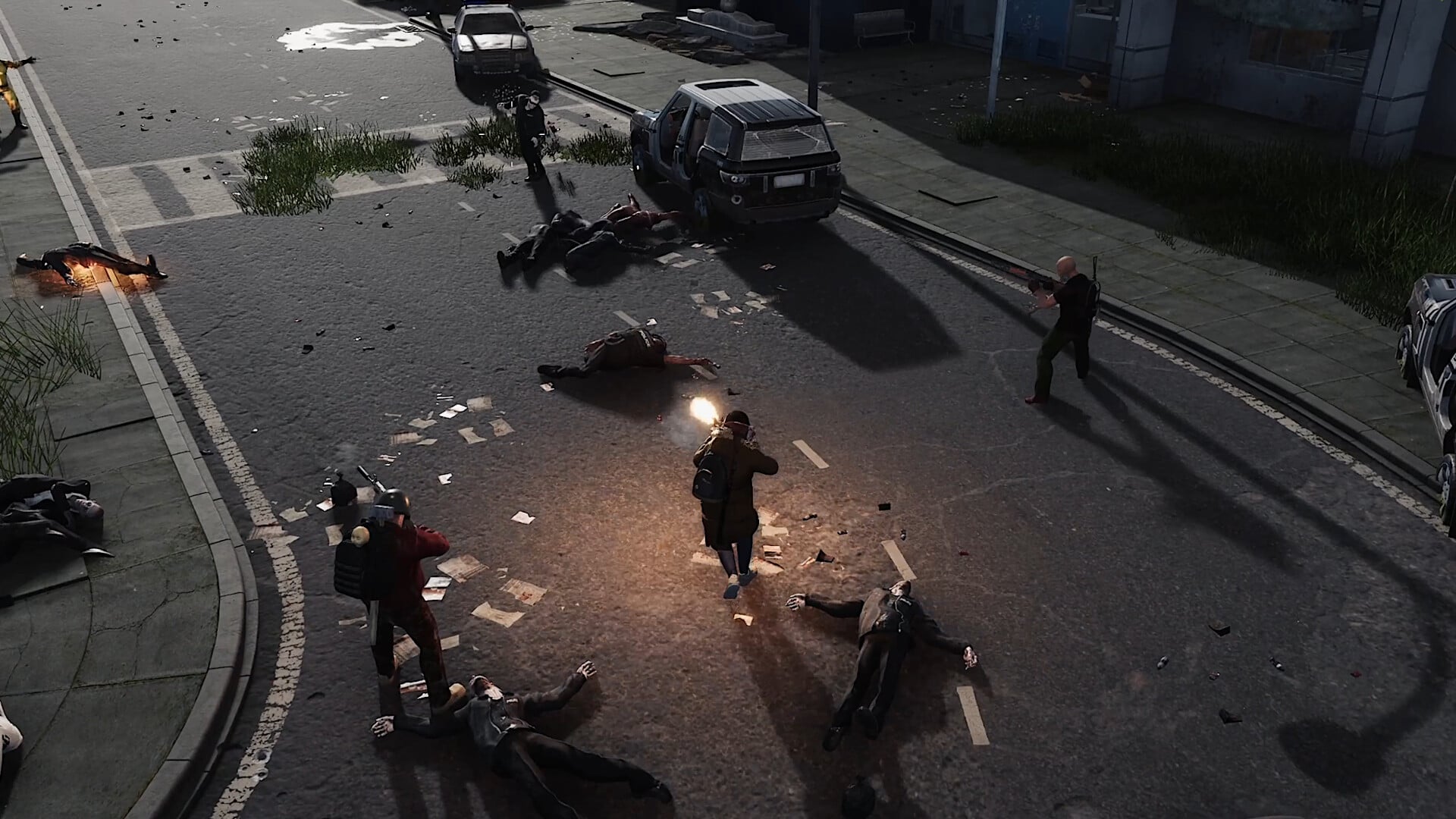
PCGamesN Sunday, February 8, 2026 5:58 AM HumanitZ 1.0 is here, with a wealth of upgrades including a total map overhaul, improvements to zombie infections, and an endgame zone. |
Rock Paper Shotgun Latest Articles Feed Sunday, February 8, 2026 3:01 AM  Sundays are for waking up and remembering you said you'd help your sister-in-law move house. A burning fear flares in your gut, not of the manual labour, but of how she said it was fine because she'd bought a flatbed trolley off a Chinese website for £40. The fear fades into sad resignation that you'll end the day picking up splinters of shattered plywood out of a carpet. This week's readings are a little light on actual videogame stuff. Though let's be honest, sometimes videogames don't deserve it. |
Destructoid Sunday, February 8, 2026 4:01 AM
Surviving the undead in HumanitZ will often feel like a real struggle, but you can have 'man's best friend' by your side to aid your efforts.
First, you'll need to find a dog in the wild, which can be a test in itself. Once done, your next task is to make him your buddy by gaining his trust. This guide will quickly explain the entire process.
Table of contents
How to befriend a dog in HumanitZ
Once you find a dog (more on that in the following section), you'll have to make him your friend. To do so, you'll need certain items. You'll need food items to feed the dog. This can be raw or cooked meat. You can also feed cooked fish as an alternative.
You'll also require a Dog Food Bowl, which can be crafted in-game. Once you locate a dog, place the Dog Food Bowl near him. Then, place the food, and wait for him to consume it. You can also name your companion by using console commands. To make a Dog Food Bowl, you'll need one Dog Food.
Your buddy will have a set amount of health and stamina. Both health and stamina will reduce over time, but you can recover them by feeding your dog. You can also instruct your buddy using the emote wheel. You can use him to attack, or just play with him if you want.
Dog locations in HumanitZ
You can have a dog in both single-player and multiplayer servers. You'll find a dog companion at any of the 12 locations in the following image. The exact location will be random, so finding one will depend heavily on your luck.
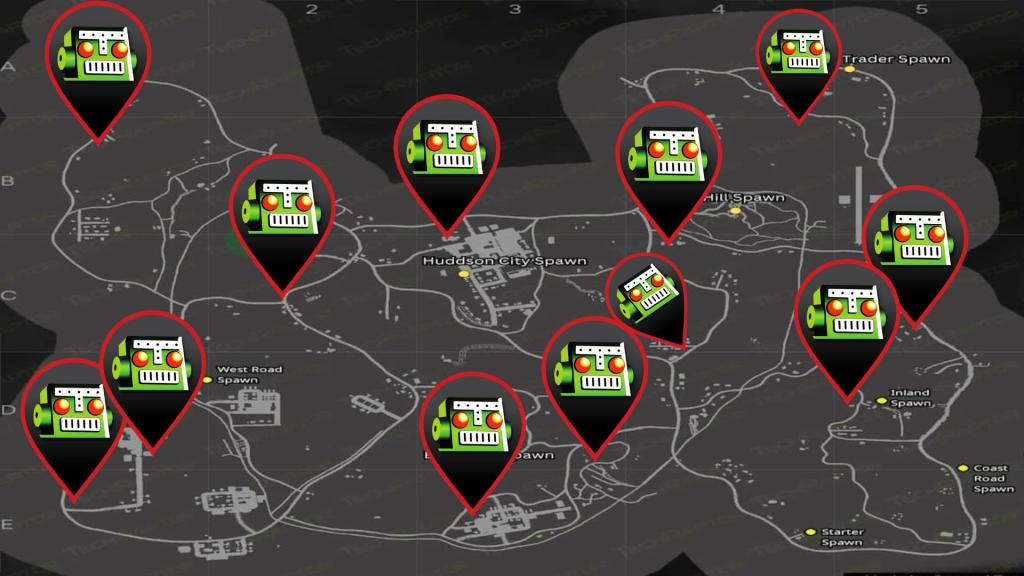
If you're playing on a multiplayer server, the location will reset if you already found a dog. If you don't want to go through the hassle, a simpler option is to rely on console commands.
The post How to get a dog companion in HumanitZ appeared first on Destructoid. | ||||||||||||||||||||||||||||||||||||||||||||||||||||||||||
Destructoid Sunday, February 8, 2026 3:15 AM
HumanitZ 1.0 version is now available for PC players, and there are different console commands you can use to impact your gameplay.
Console commands are essentially like cheat codes that allow you to bypass the default settings. However, they also allow you to test our different features and create custom settings on your multiplayer servers. This guide will provide you with a list of all the admin commands that you can try out.
All HumanitZ console commands
The table below has a list of commands you can try out using the admin command window.
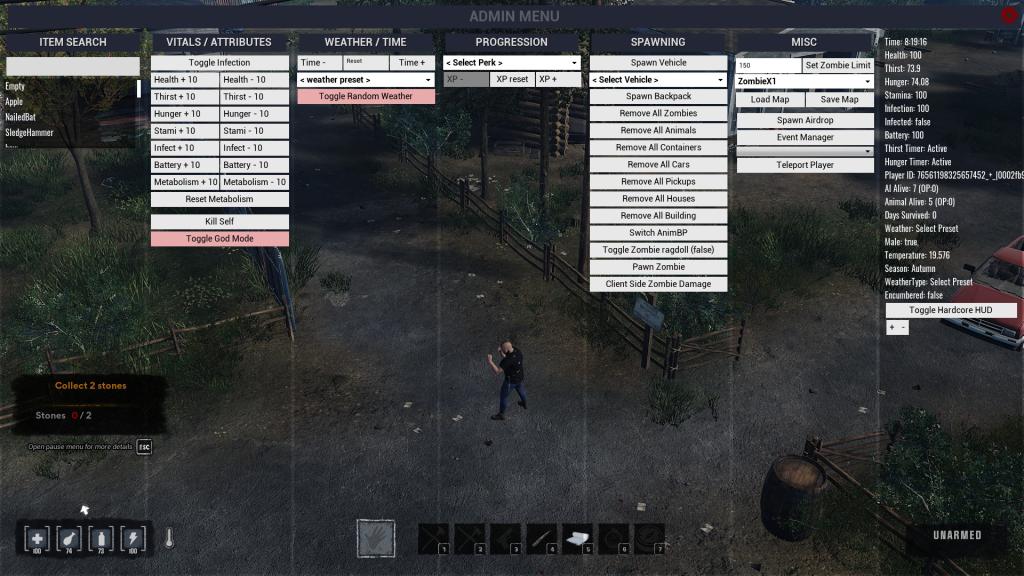
The easiest way to use admin or console commands is by opening the admin command window. You won't need to type in lines of code. However, if you prefer the old way, the following sections have all the item codes you'll need.
Melee Weapons
Ranged Weapons & Ammunition
Food & Drinks
Med / Items
Crafting & Building Materials
Other Items
Armour and Face items
Head Gear
Car & Truck Parts
Upper Body Clothing
Gloves
Lower Body
Trainers & Boots
The post All HumanitZ console commands and how to use them appeared first on Destructoid. |